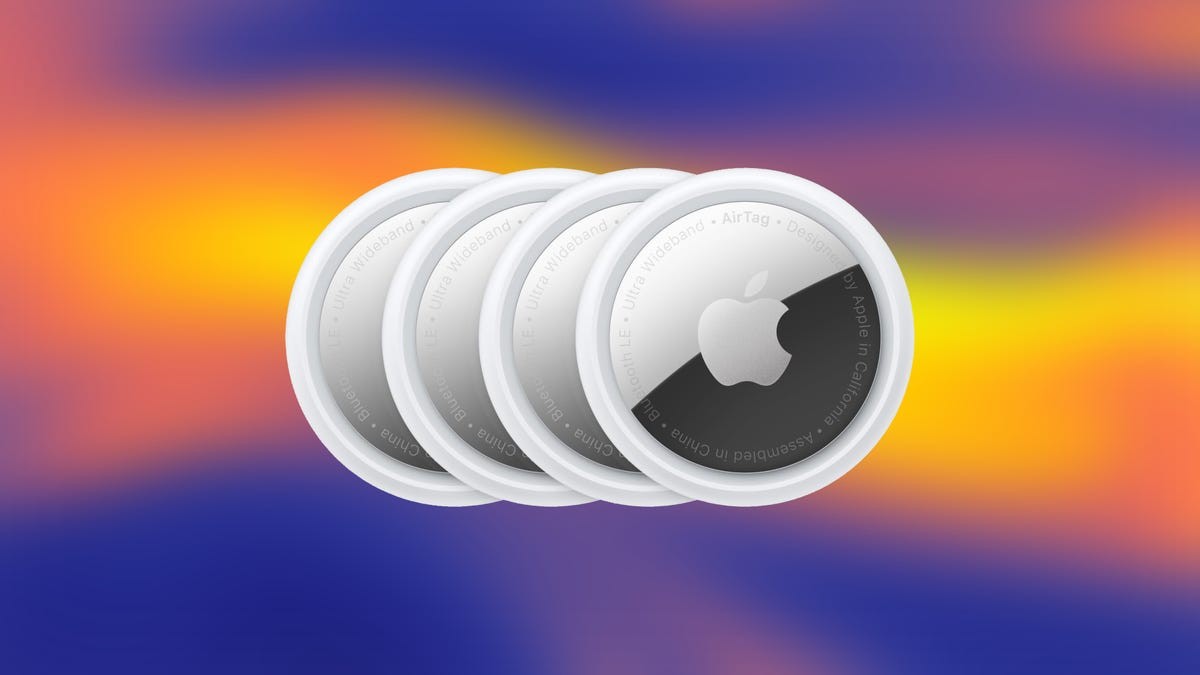
Buying a new gadget just to use it once feels wasteful. And buying an AirTag for a single vacation? Especially wasteful.
Unless you need one permanently, skip the checkout process. Look around. Ask a friend. Chances are high someone you know already owns a spare.
Why you shouldn’t buy new
Apple dropped AirTags back in 2021. The premise was simple. Keep tabs on your stuff. Keys. Wallets. Bags.
There was a catch. The hardware was tied to a single Apple ID. Rigid. One-to-one mapping. You tried to lend one out? Your phone screamed warnings. The recipient got spooked by an “unidentified tracker” alert. It was a social awkwardness waiting to happen.
That dynamic shifted with iOS 17.
Apple opened the floodgates. You can now share a single AirTag with up to five other people. This means you don’t need to own the tag to benefit from the tracking.
“Just because you can track an item, doesn’t mean you need to purchase the hardware yourself.”
How to pass it along
Here is the mechanical side of things. It is fast.
- Open Find My.
- Tap Items.
- Select the specific AirTag.
- Tap Add Person under the share section.
Your phone will warn you. Standard Apple protocol. It explains that the other person can see the location but won’t get that scary “stranger is tracking me” notification. Hit Continue.
Send the invite. The recipient gets a ping. They tap Add. Done.
Got a stranger trying to share a tag with you? Don’t panic. Tap Don’t Add. The world keeps turning.
Killing the connection
The trip ends. The AirTag returns. The sharing stops.
- Open Find My again.
- Tap Items.
- Tap the shared AirTag.
- Find the person’s name in the sharing list.
- Tap Remove.
Another warning pops up. Just facts. This person can no longer see the device. They will see it as an unknown tracker if it moves. Hit Stop Sharing.
And that’s it. No new box in your hallway. No receipt to throw away. Just a borrowed solution to a temporary problem.